


You decided to ship Q3 by end of June. Sarah's following up with eng.

Alright, you're signed up! Let me show you how to make the most of Pique.
A quick walkthrough — from your first recording to a finished follow-up email.
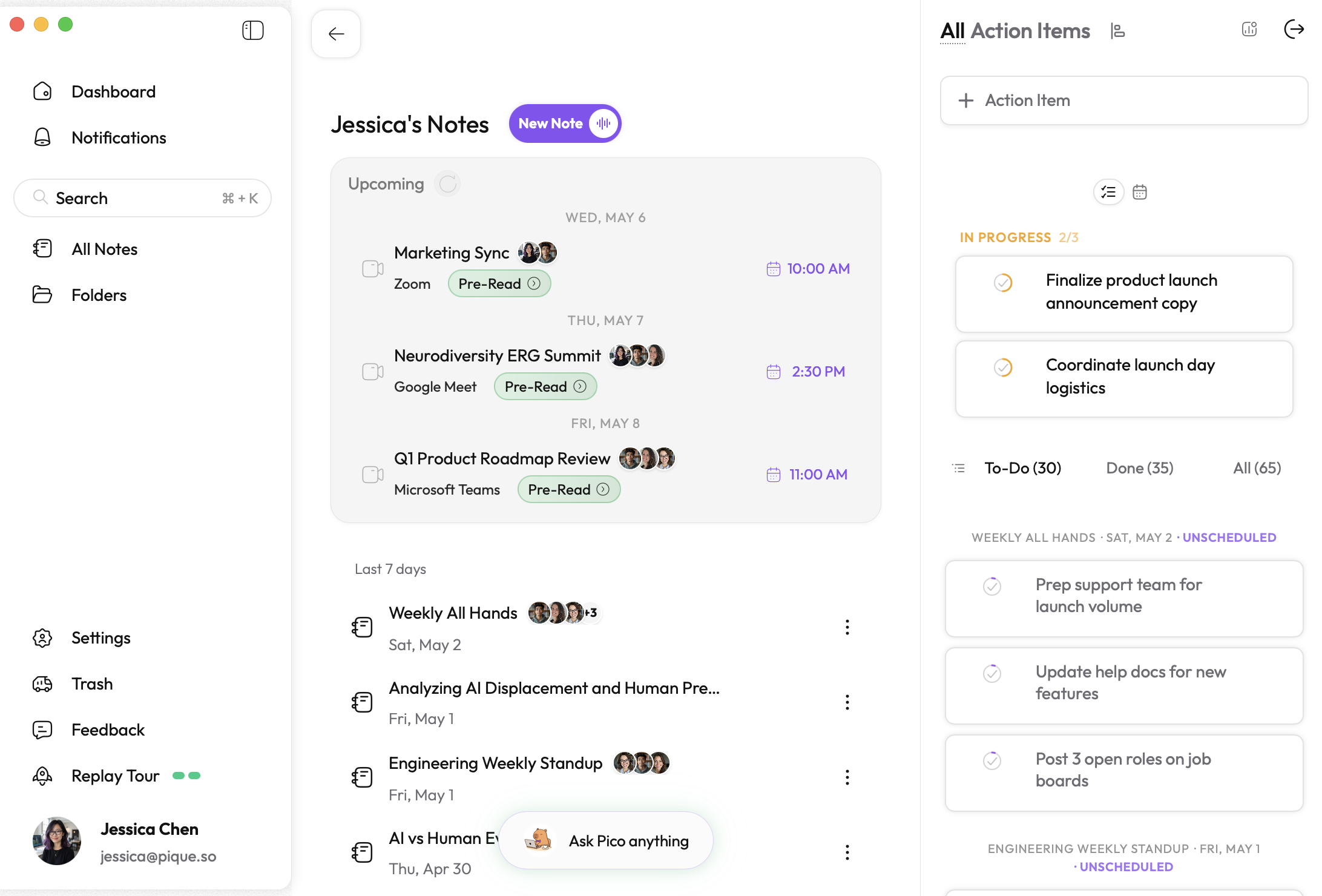
Two ways. Pick whichever fits your moment. Want it hands-off? Turn on Auto-record my meetings in Settings. No bots ever join your call — Pique records quietly in the background, so other participants only see you.
Pique opens the note and starts recording for you.
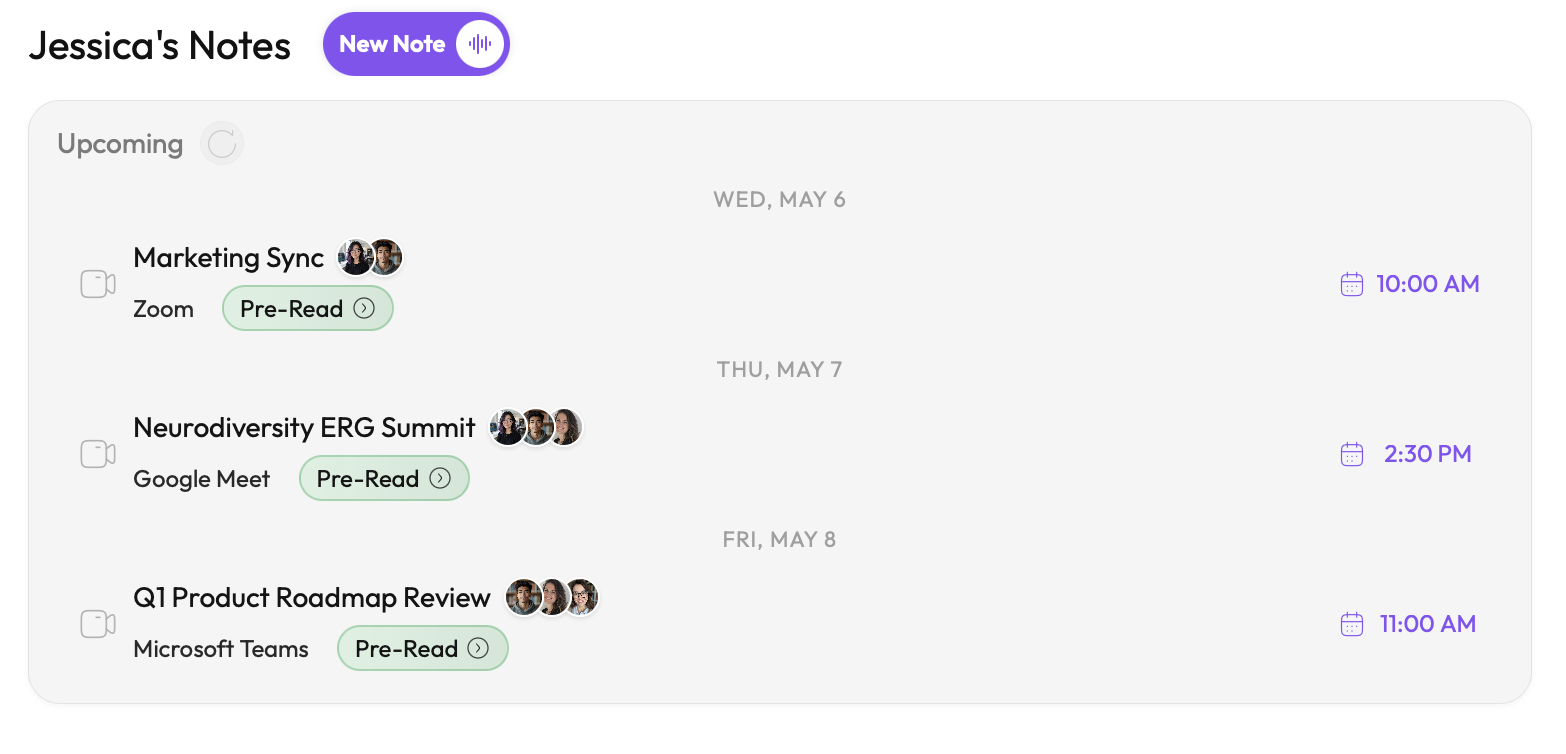
A live transcript opens above the dock as soon as you do.
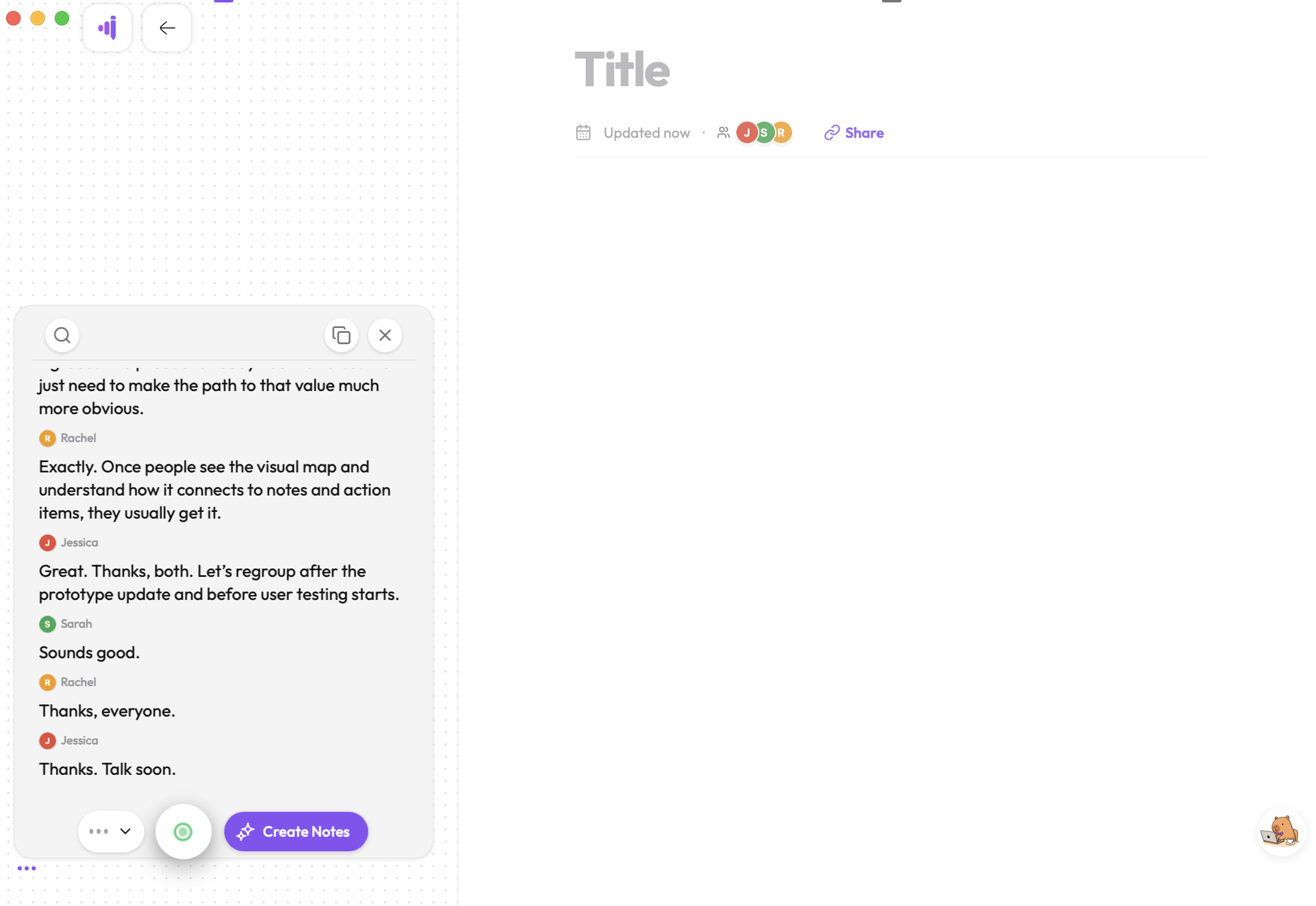
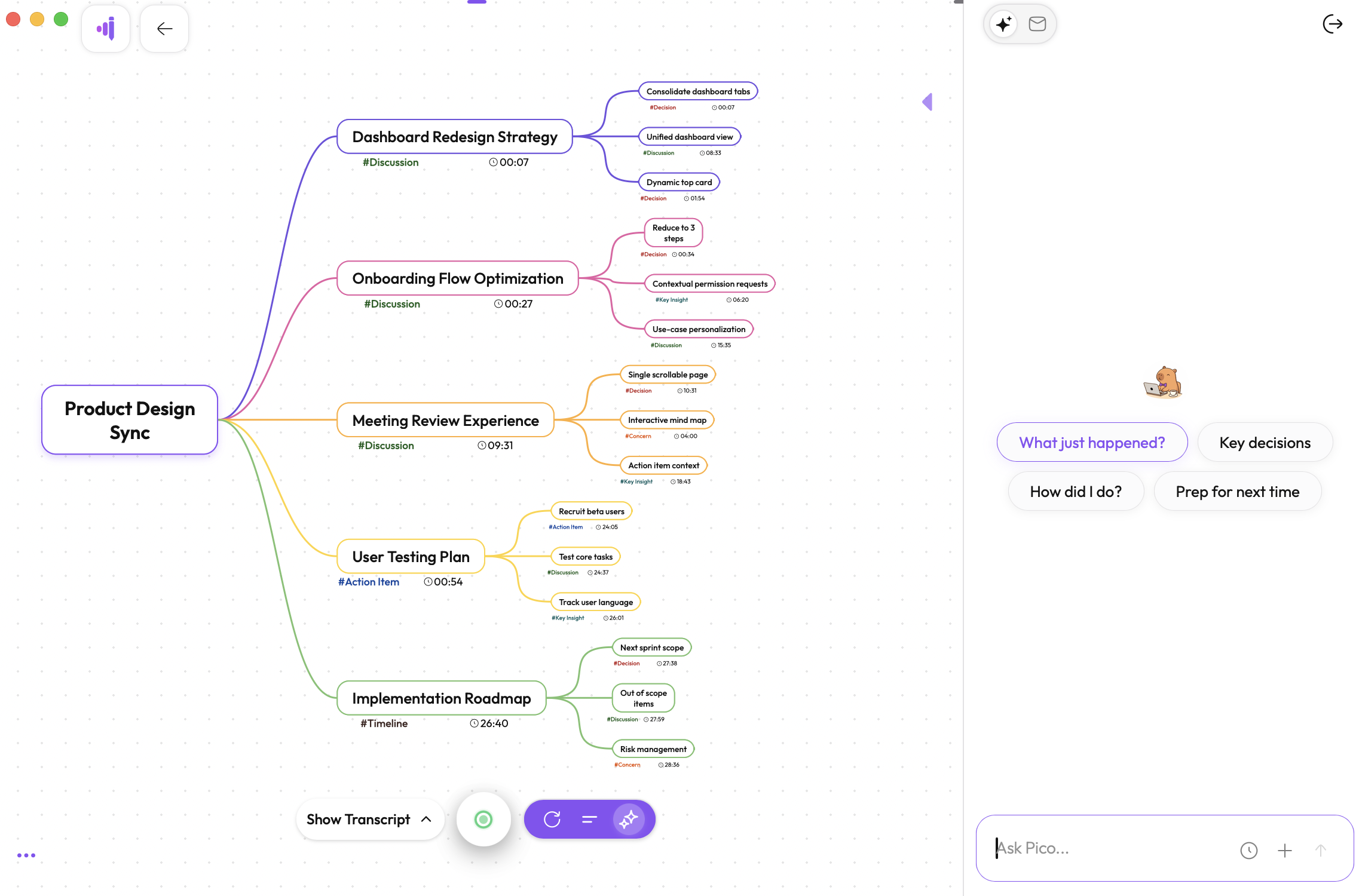
When you're done recording, hit Create Notes and Pico restructures the transcript into clean AI notes plus a mind map of the meeting's main concepts. Both link back to the transcript — click a timestamp in your notes or a node in the mind map to jump straight to that moment.
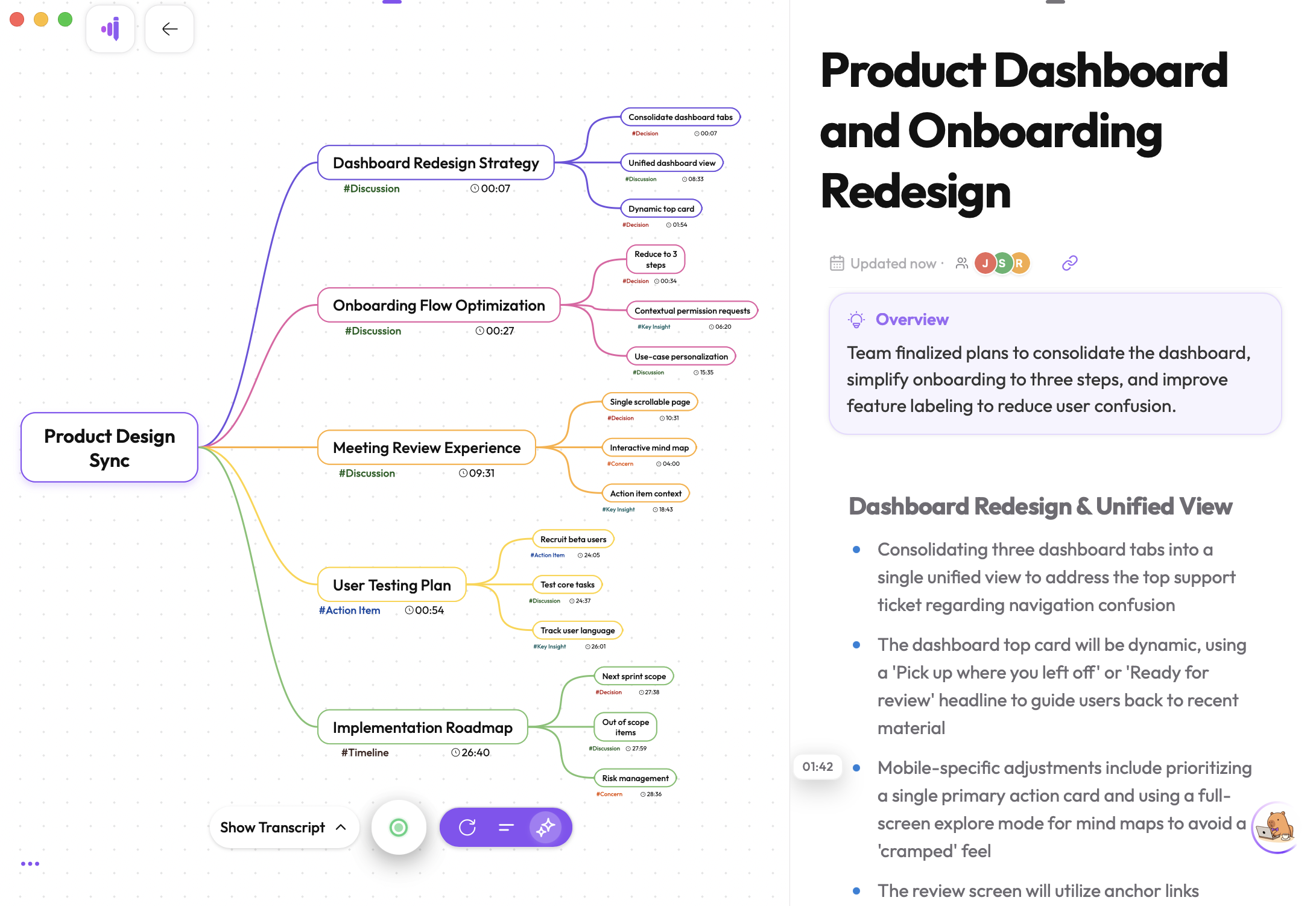
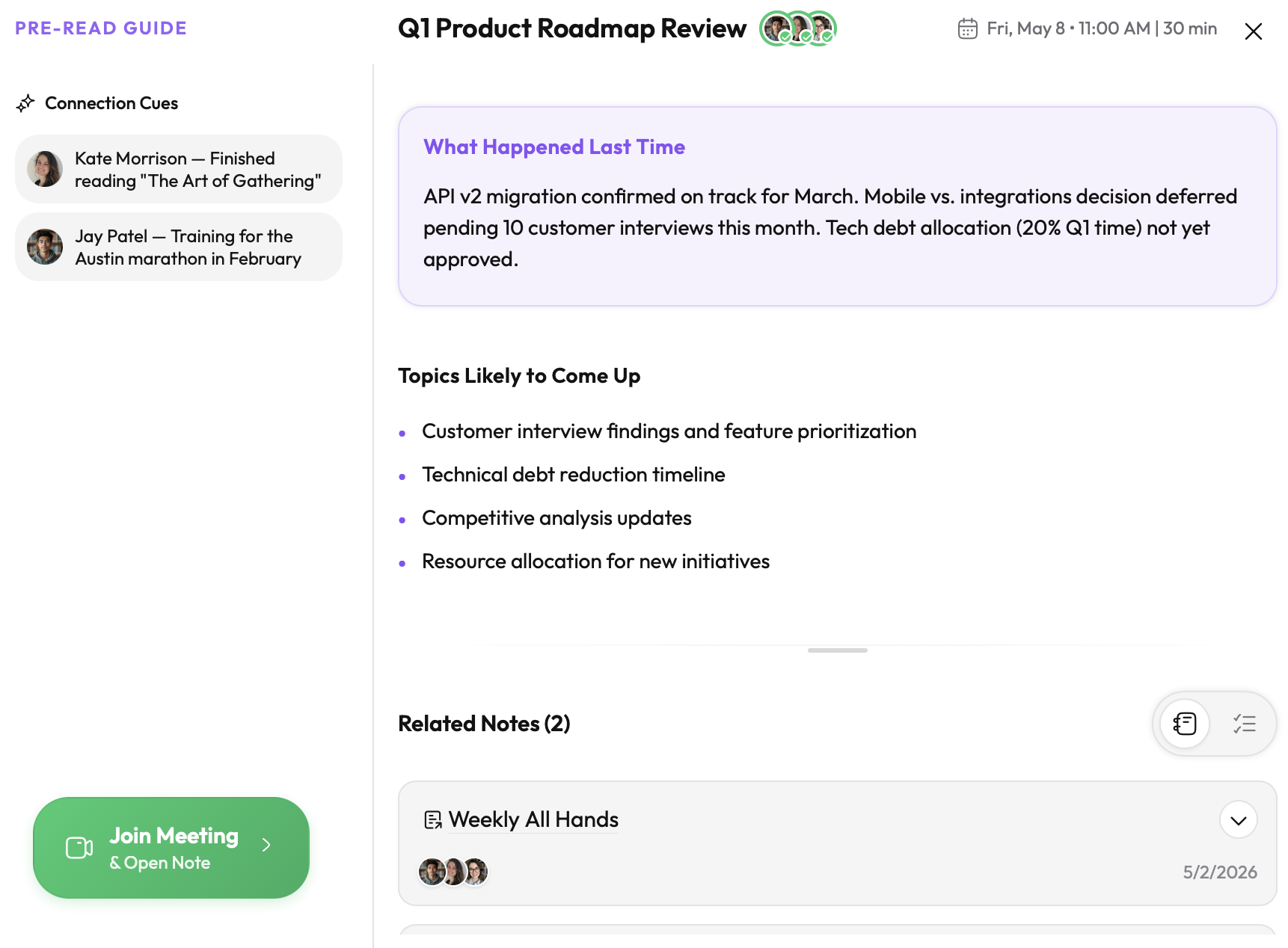
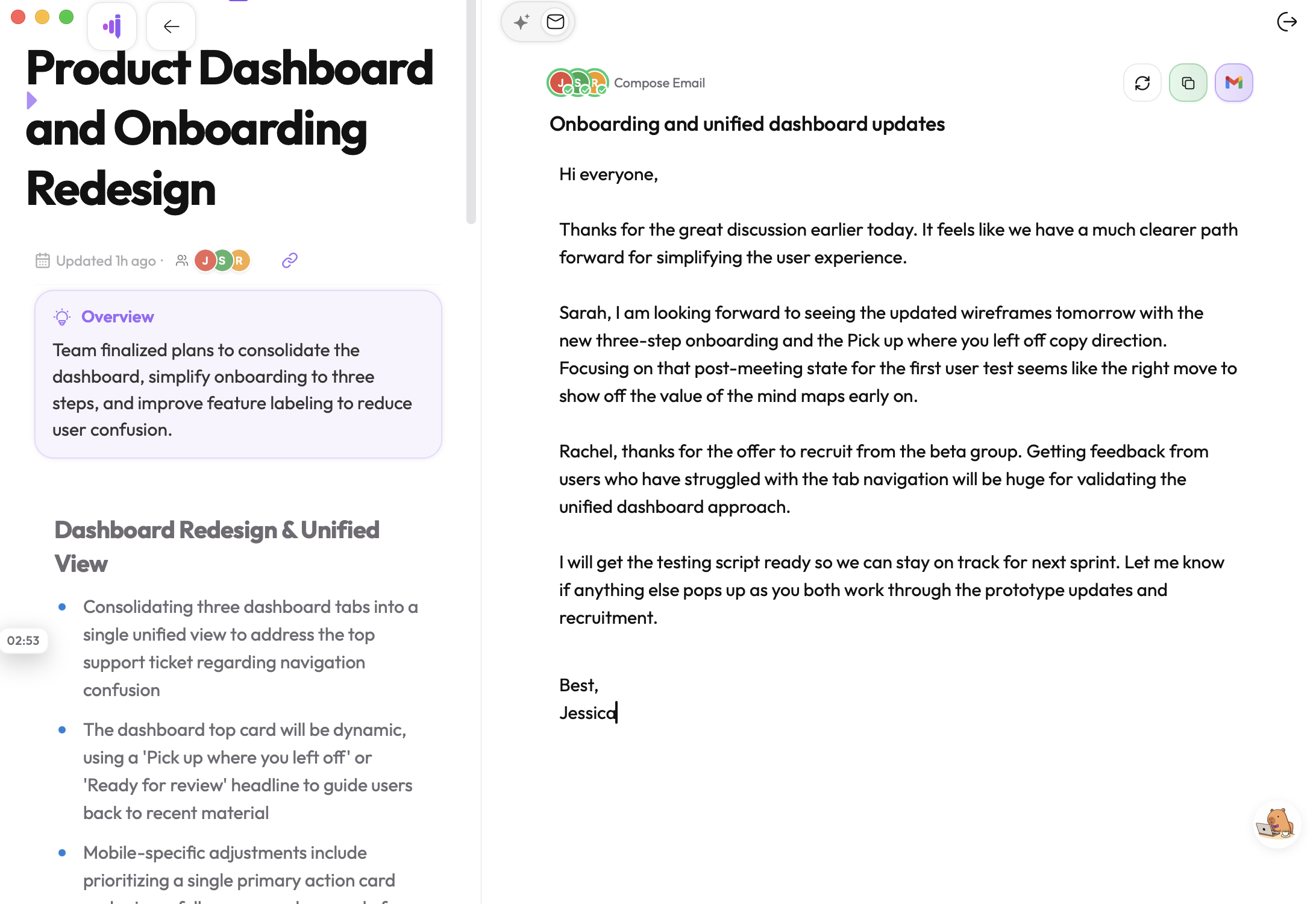
Click any upcoming meeting for a Pre-Read built from past notes with the same attendees. After the meeting, every note has a Follow-Up Email tab with a personalized draft ready for Gmail.
Pico — Pique's AI capybara copilot — has full context on your meetings, transcripts, and action items. The Pico popup on your Dashboard answers questions across everything you've done; the Chat tab inside any note keeps things scoped to that meeting.
We'd love to hear it. Reach out directly or share from inside the app.