

You decided to ship Q3 by end of June. Sarah's following up with eng.

Welcome to Pique! I'm Pico, and I'll take notes while you focus on the conversation.
Tap me anytime to ask questions or chat!
From sign-in to your first AI note. Setup is a couple of taps; the rest happens as you work.
Open Pique, then tap one of the two big buttons on the welcome screen. No password to remember — Pico uses your existing account.
Pico asks a few quick things — your role, the features you're excited about, and an email opt-in for daily briefs. Tap through; you can change any answer later in Settings.
A heads-up before each meeting and gentle nudges to follow up on action items. Tap Enable Notifications and accept the system prompt — you can always adjust later in Settings.
The one we recommend you don't skip — powers pre-reads, slide-to-record, and your daily rundown. Tap Connect Google Calendar and accept the prompt.
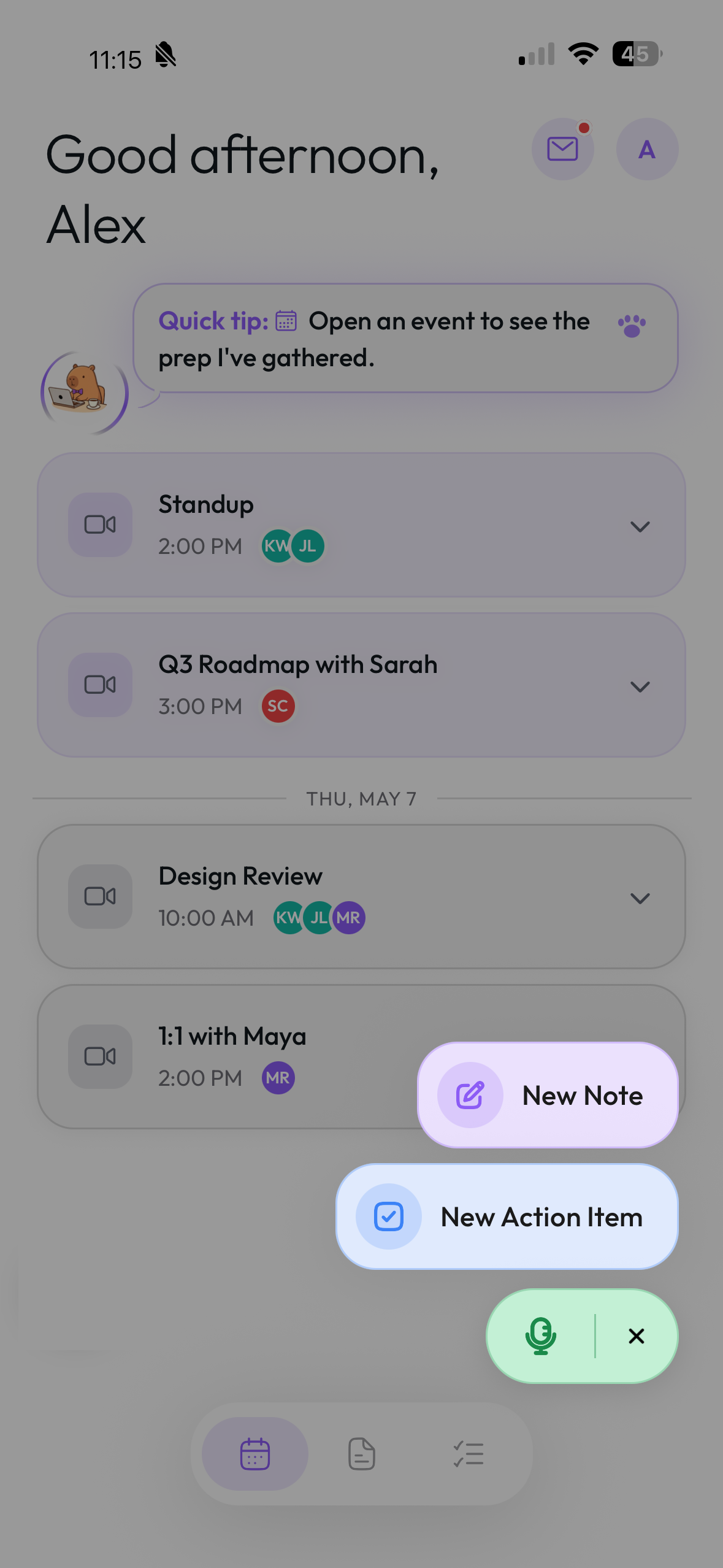
Pique opens here by default — today's meetings in time order with attendees, later days under their date below. Tap the floating + at the bottom-right to reveal three options: Record (the green mic), New Note, or New Action Item.
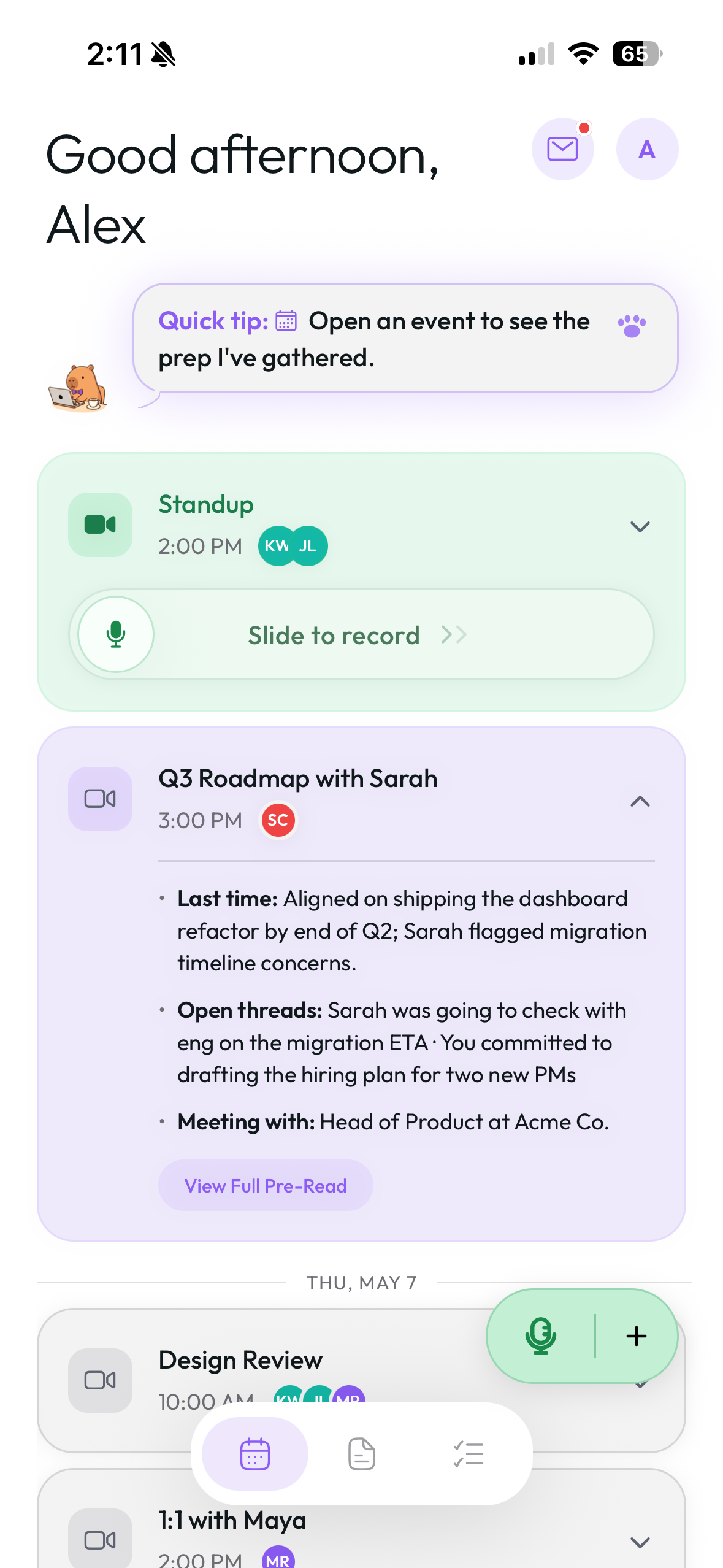
A slide bar appears on the card when the meeting starts. Drag the white mic thumb all the way right to begin. No calendar? Just tap the mic icon.
A dock pops up at the bottom of the screen with elapsed time, audio waveform, and the live transcript. Pause anytime; tap stop when you're done. Then tap Create Notes at the top of the editor — Pico restructures your transcript into clean notes.
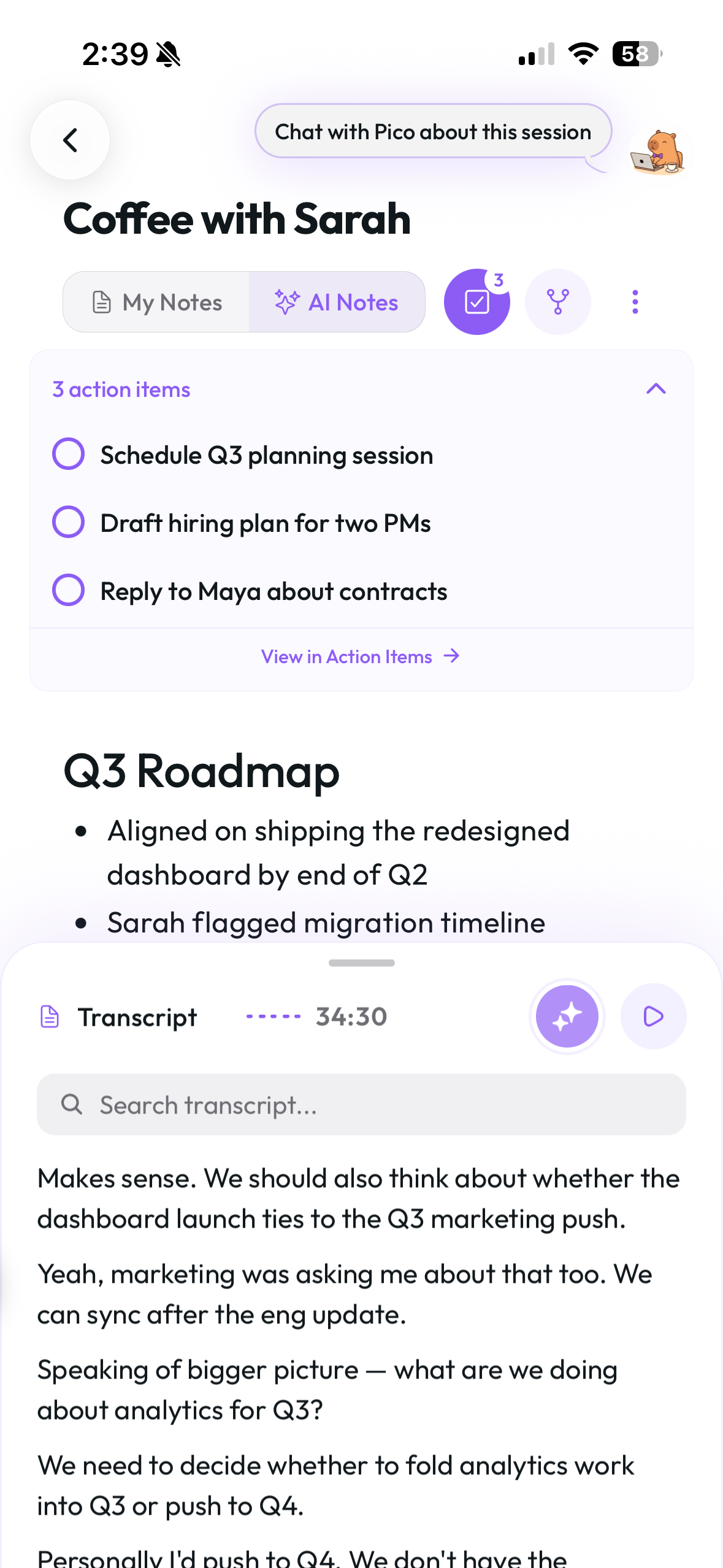
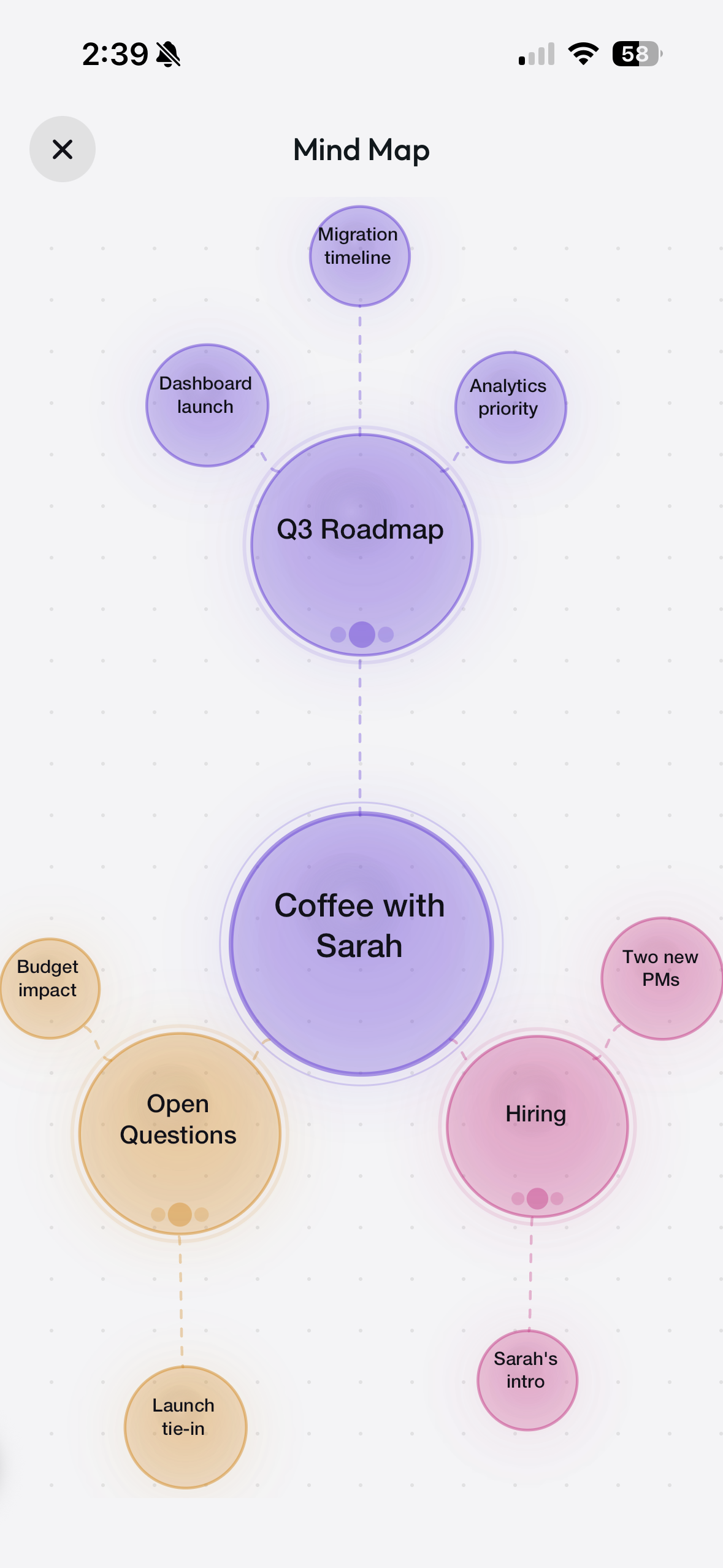
You get a clean recap — headlines, key points, and every action item pulled out for you. Tap the mind map icon for a visual map of how the ideas connect.
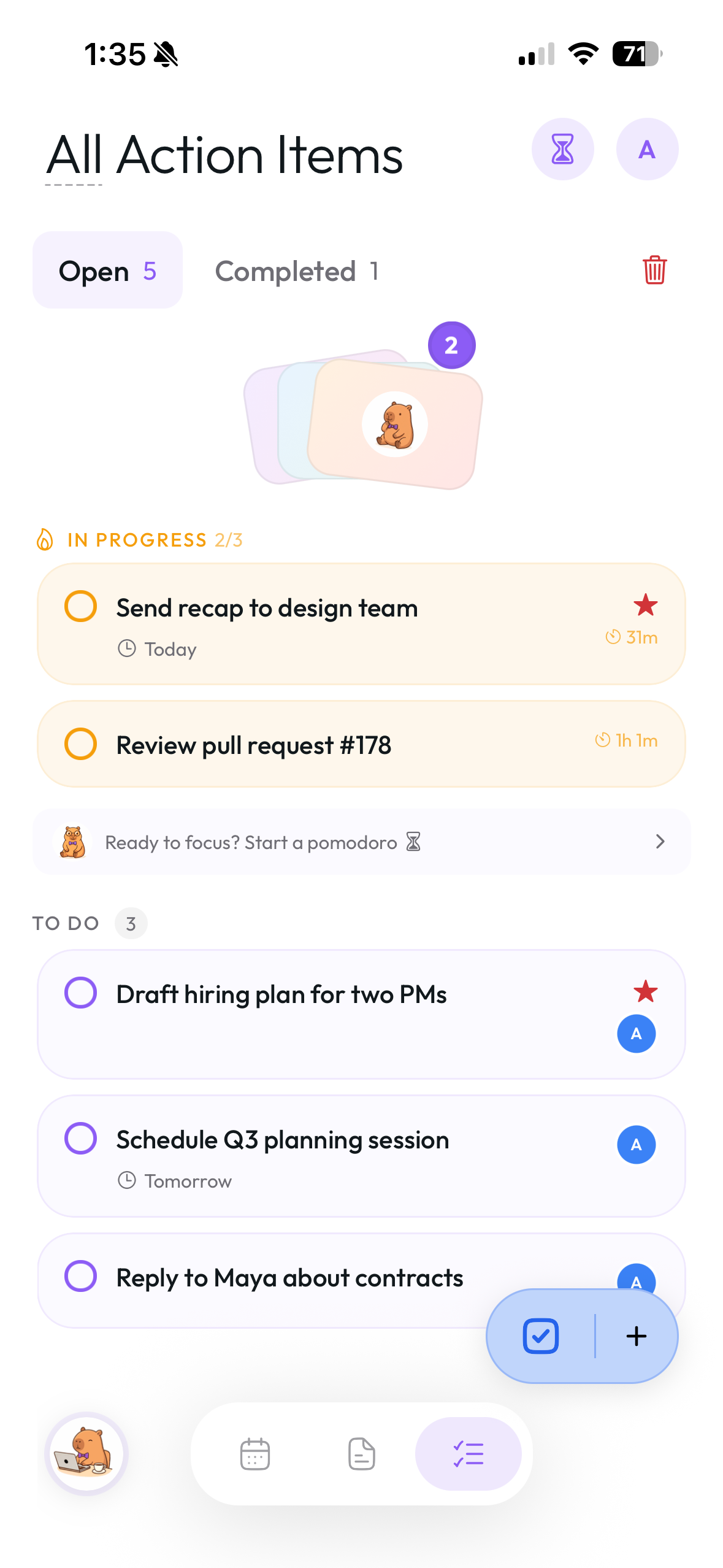
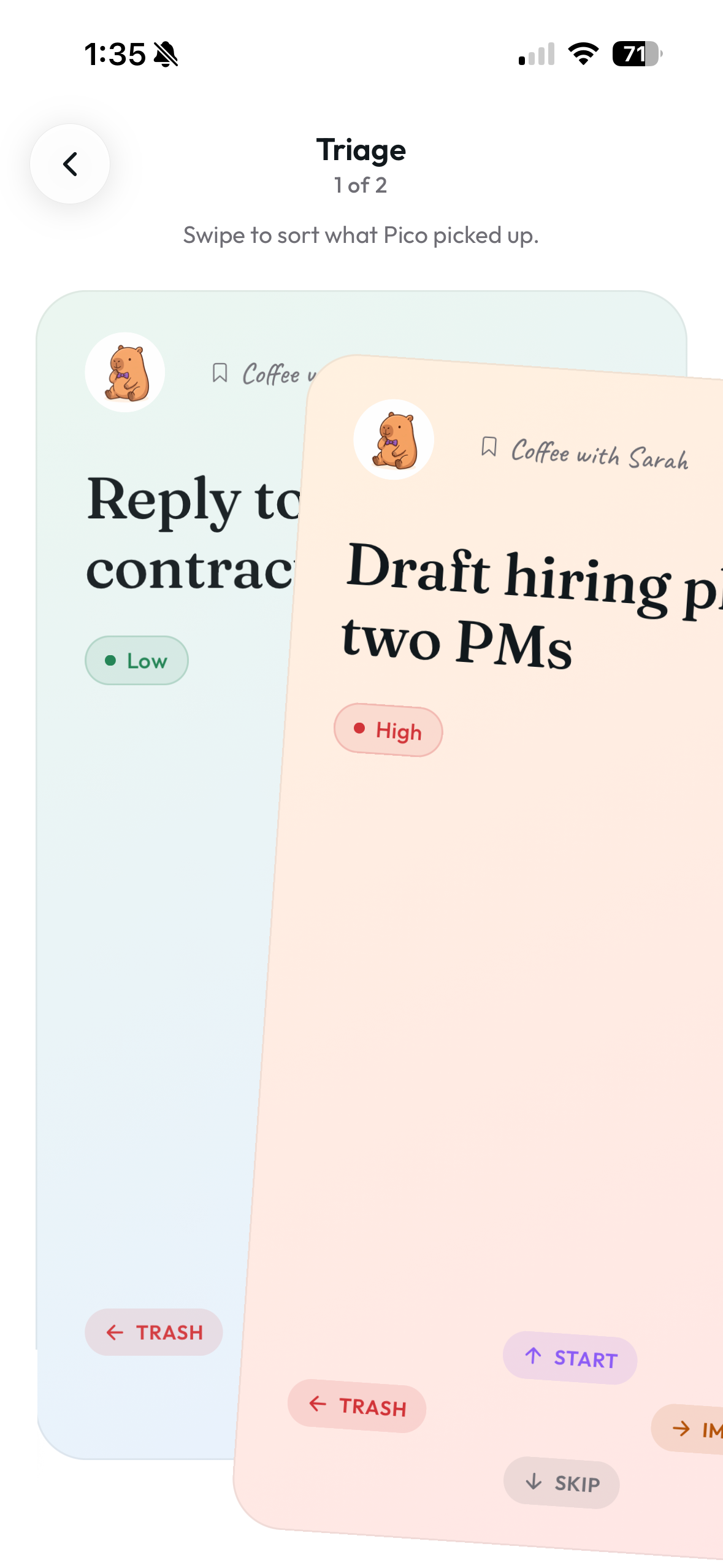
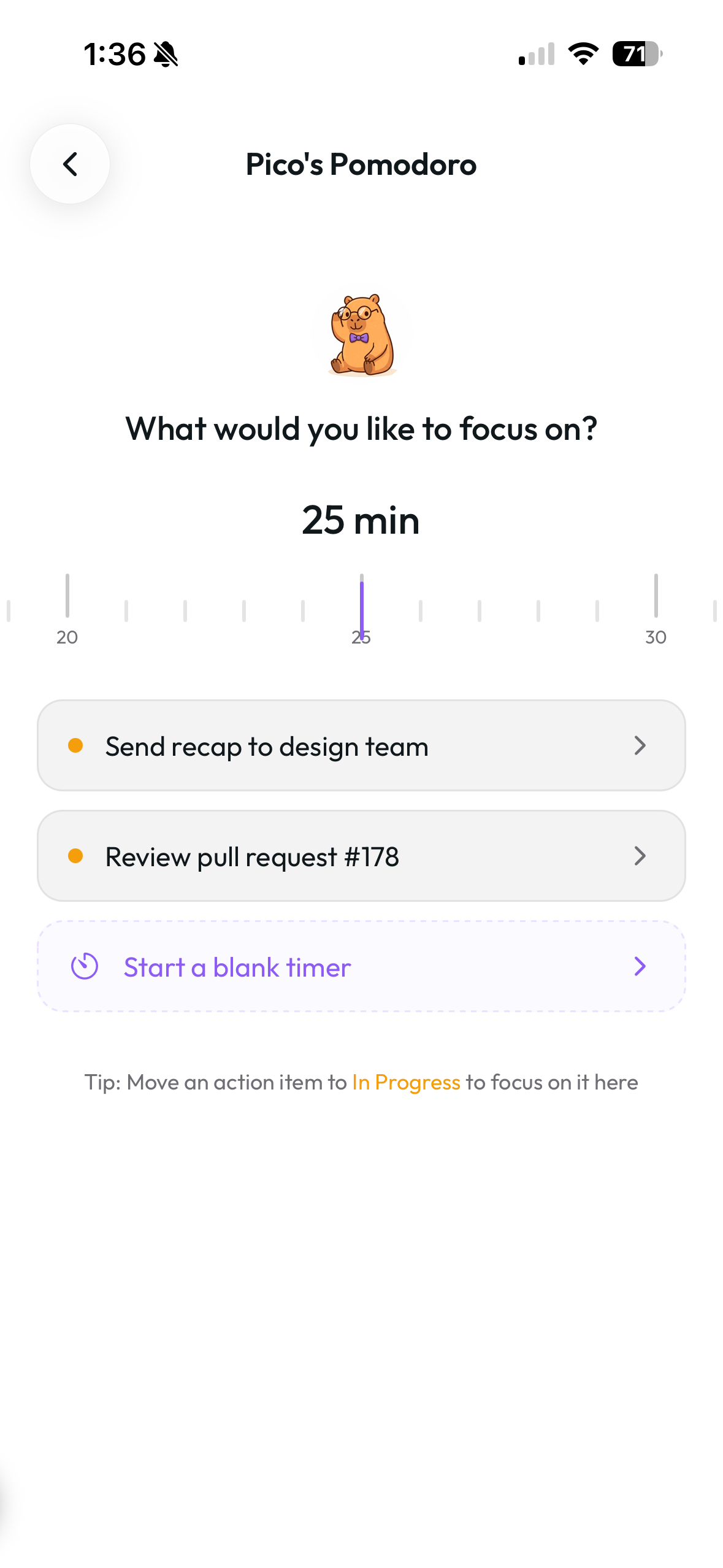
Switch to the third tab — Action Items. Pico pulls To Dos out of every meeting; triage to sort them, swipe to start (up to 3 active), then run a Pomodoro to focus until they're done.
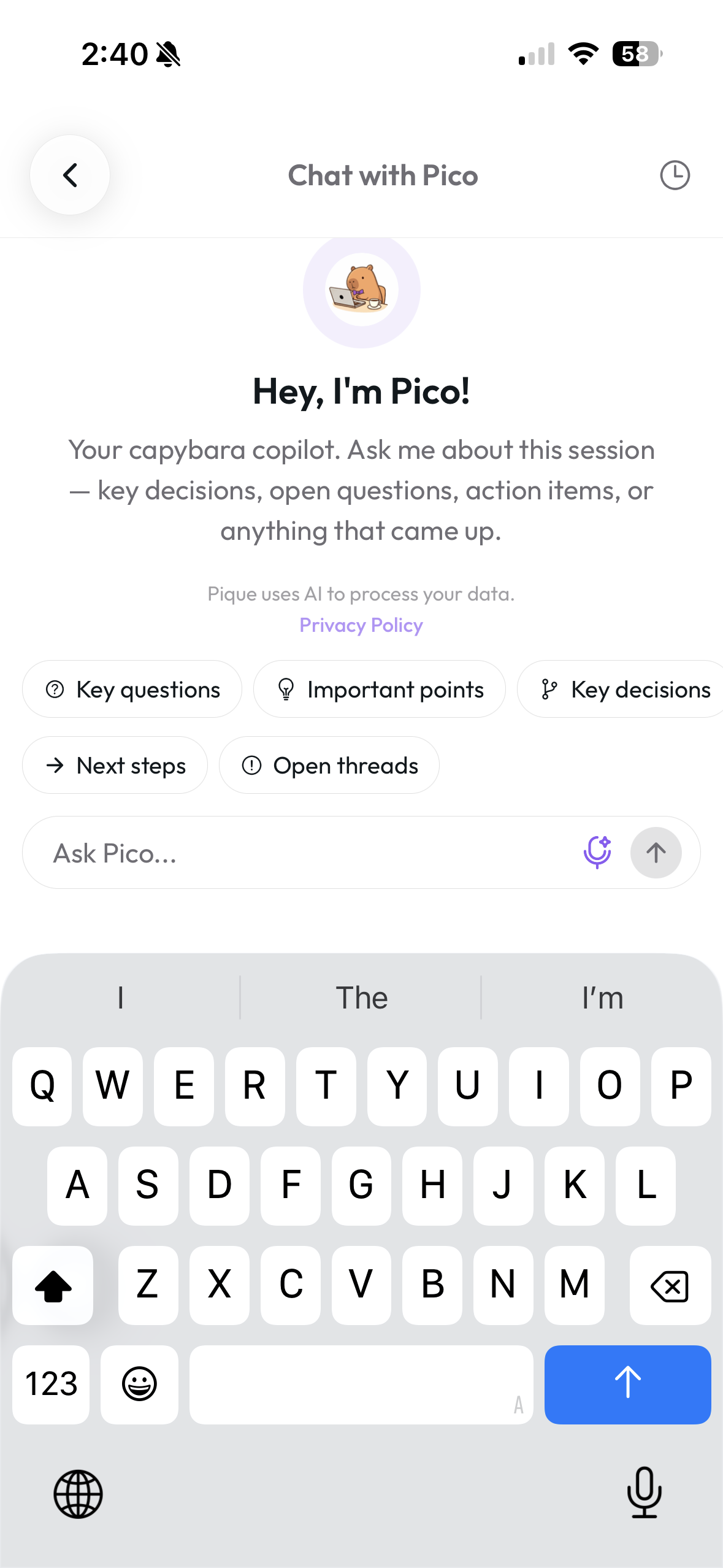
Tap Pico at the top of Events or the floating capybara on Notes and Action Items. Pico has full context on your meetings, notes, and people — ask for a recap, a follow-up draft, or what to focus on next.
Pico would love to hear it. Reach out directly or share from inside the app.